MEPCO Bill Check Without Reference Number – Alternative Methods 2026
The Short Answer
You cannot check your MEPCO bill online without some form of identification number. However, the good news is that the 14-digit Reference Number is NOT the only option. There are several alternatives you can use.
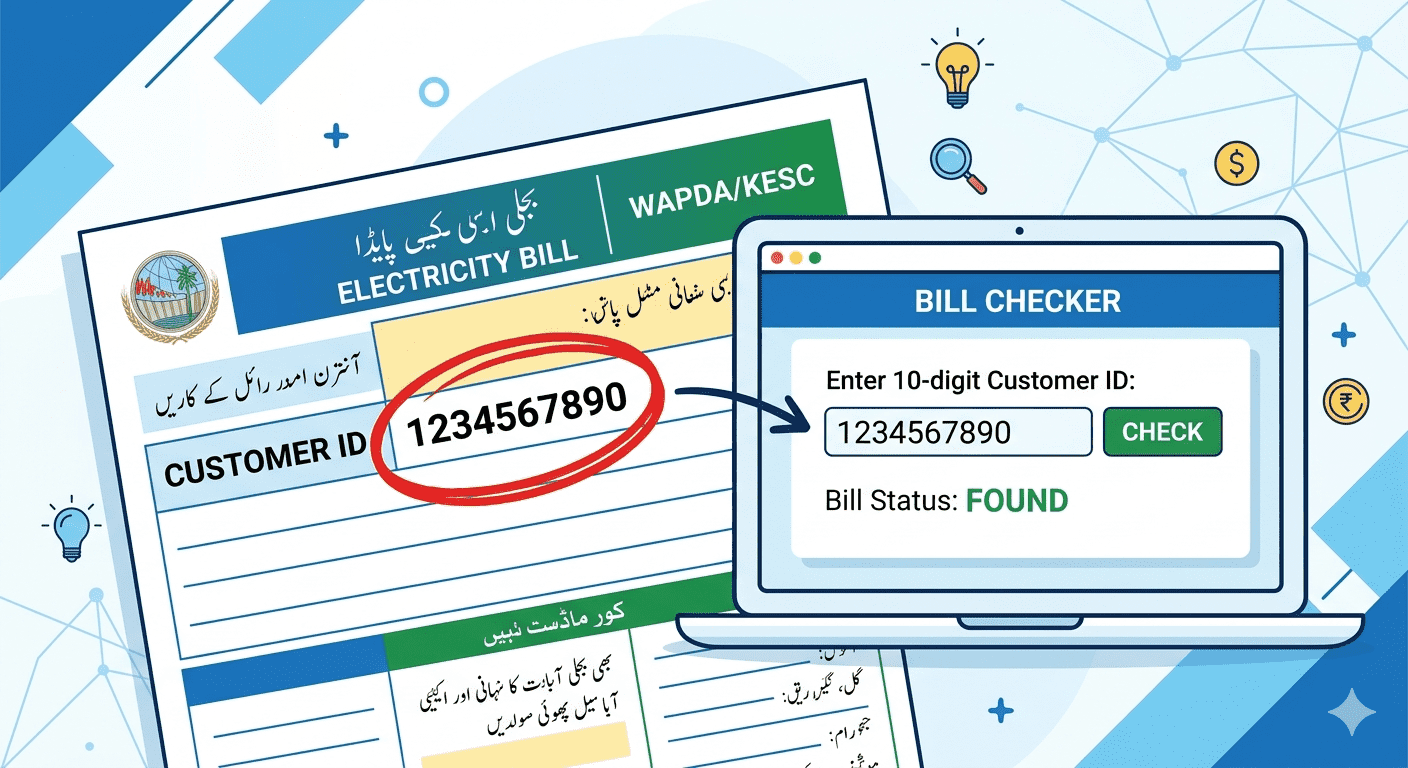
Method 1: Use Your 10-Digit Customer ID
This is the easiest alternative. Your 10-digit Customer ID is printed on every MEPCO bill you have ever received and stays permanently the same.
- Go to mepcobil.com
- Enter your 10-digit Customer ID in the reference number field
- Click Check Bill — your bill will appear instantly
The Customer ID always works even when you don't have the current month's reference number.
Method 2: Check Old Bills or Payment Receipts
If you have any old MEPCO bill paper — even from years ago — you can find your Customer ID on it. Similarly, bank payment receipts and Easypaisa/JazzCash payment confirmations usually show your Consumer ID or Reference Number.
- Check any old bill paper (any month, any year)
- Check your bank statement or online banking bill payment history
- Check your JazzCash or Easypaisa payment history
- Check WhatsApp messages — many people forward their bill
Method 3: Call MEPCO Helpline (118)
MEPCO's toll-free customer helpline is available 24 hours:
- Dial 118 from any mobile or landline — it is free
- Tell the agent your full name and complete address
- They will locate your account and tell you your Consumer ID
- You can then use that ID to check your bill online
Method 4: Visit MEPCO Sub-Division Office
If all else fails, visit your nearest MEPCO Sub-Division or Division office:
- Bring your original CNIC (National Identity Card)
- Tell them your address and connection details
- They will provide your Consumer ID and latest bill amount
- You can also request a printed duplicate bill directly from the office
Can You Check MEPCO Bill by CNIC?
Unfortunately, MEPCO's online bill checking system does not support CNIC-based lookup. You must have either the 14-digit Reference Number or the 10-digit Customer ID. However, the MEPCO office can locate your account using your CNIC in person.
Frequently Asked Questions (FAQ)
Q: Can I check MEPCO bill by name?
A: No. The online system does not support name-based search. You need a Reference Number or Customer ID.
Q: What is the MEPCO helpline number?
A: MEPCO's toll-free helpline number is 118. You can call it 24/7 for billing queries, complaints, and Consumer ID lookup.
Q: Can I use my CNIC to get my MEPCO Customer ID?
A: Yes, but only by visiting the MEPCO office in person with your original CNIC. The online system does not accept CNIC.