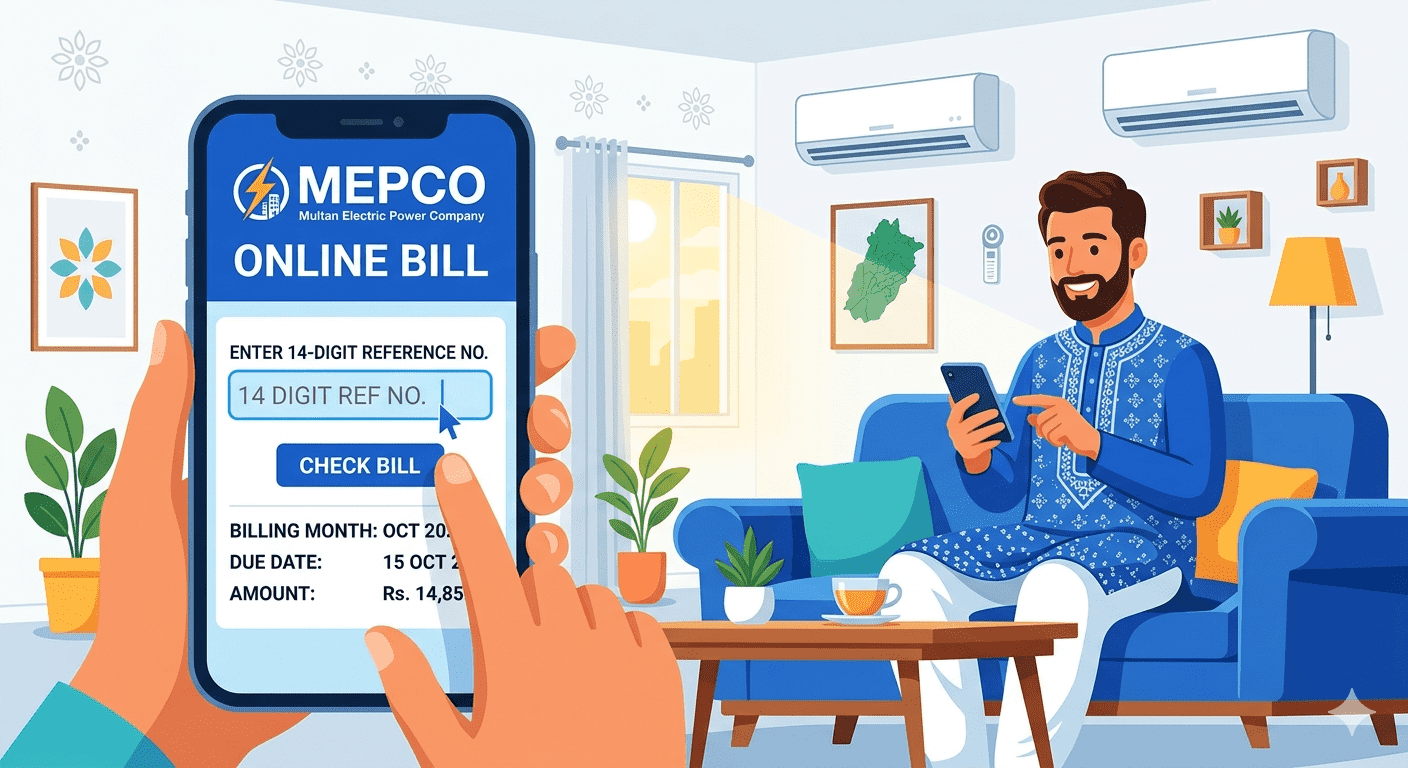
How to Check MEPCO Bill Using Customer ID 2026 Complete Guide
How to Check MEPCO
Bill Using 10-Digit Customer ID
What is the MEPCO
Customer ID?
The MEPCO Customer ID is a unique
10-digit number assigned to every electricity consumer connected to the MEPCO
network. It is printed on your monthly electricity bill and serves as a
permanent identifier for your connection — even if your bill changes month to
month.
Unlike the reference number which
may change, your Customer ID remains the same for your meter connection
permanently.
Difference Between
Reference Number and Customer ID
Many consumers get confused
between these two numbers. Here is the key difference:
•
Reference Number (14
digits) — changes every billing month
•
Customer ID (10 digits) —
stays the same permanently
•
Both can be used to check
your MEPCO bill online
•
Customer ID is also called
'Consumer ID' on some bills
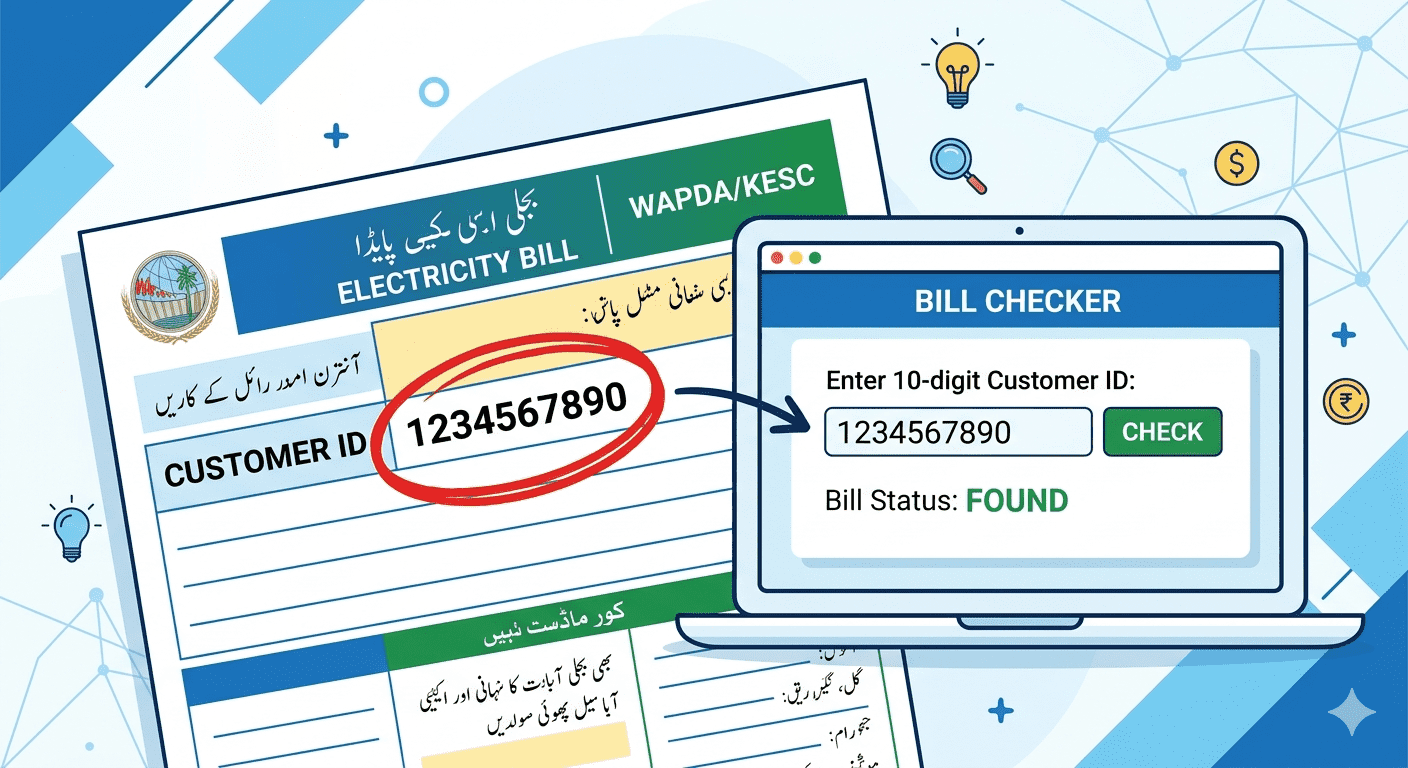
Where to Find Your
10-Digit Customer ID on the Bill
Look at your paper electricity
bill carefully:
•
It is printed near the top
of the bill
•
Labeled as 'Customer ID',
'Consumer ID', or 'CNIC-like number'
•
Always 10 digits — no
dashes or letters
•
Also available in MEPCO's
official complaint receipts
Step-by-Step:
Check MEPCO Bill Using Customer ID
1.
Step 1: Open mepcobill.com
in your mobile or desktop browser
2.
Step 2: Locate the bill
checking form on the homepage
3.
Step 3: Select 'Customer
ID' option if available, or enter in the same field
4.
Step 4: Type your 10-digit
Customer ID carefully
5.
Step 5: Press the Check
Bill button
6.
Step 6: Your bill details,
payment status, and due date will appear
Advantages of
Using Customer ID Over Reference Number
Using Customer ID has some
practical advantages:
•
You can memorize it once
and use it every month
•
No need to keep last
month's bill paper
•
Useful if you lost your
bill and don't know the reference number
•
Helpful for people managing
multiple MEPCO connections
What to Do If You
Have Lost Both Numbers
If you have lost your old bills
and don't have either number, here is what you can do:
•
Contact MEPCO helpline at
118 — provide your full address and name
•
Visit the nearest MEPCO
Sub-Division office with your CNIC
•
Ask a neighbor who is
connected to the same feeder
•
Check your bank payment
receipt — the Customer ID is usually printed on it
Frequently Asked
Questions (FAQ)
Q: Is Customer ID the same as
Reference Number?
A: No. The Customer ID is 10
digits and stays the same permanently. The Reference Number is 14 digits and
changes every billing cycle.
Q: Can I check another person's
MEPCO bill using their Customer ID?
A: Yes, if you have their 10-digit
Customer ID, you can check anyone's MEPCO bill online. There is no privacy
restriction on public bill checking.
Q: My Customer ID is not
working online. What should I do?
A: Make sure you enter all 10
digits without spaces. If it still does not work, try using the 14-digit
reference number from your last bill, or contact MEPCO at 118.