How to Check MEPCO Bill Online Using Reference Number
How to Check MEPCO Bill Online Using Reference Number
What is the MEPCO
Bill Reference Number?
The MEPCO reference number is a
unique 14-digit number printed on every electricity bill issued by the Multan
Electric Power Company (MEPCO). This number is your key to checking your bill
online anytime, anywhere without visiting any office.
MEPCO serves over 34 million
consumers across 13 districts of South Punjab including Multan, Bahawalpur,
Sahiwal, Rahim Yar Khan, Dera Ghazi Khan, Muzaffargarh, Vehari, Khanewal,
Bahawalnagar, and other cities.
Where to Find Your
14-Digit Reference Number
Your reference number is printed
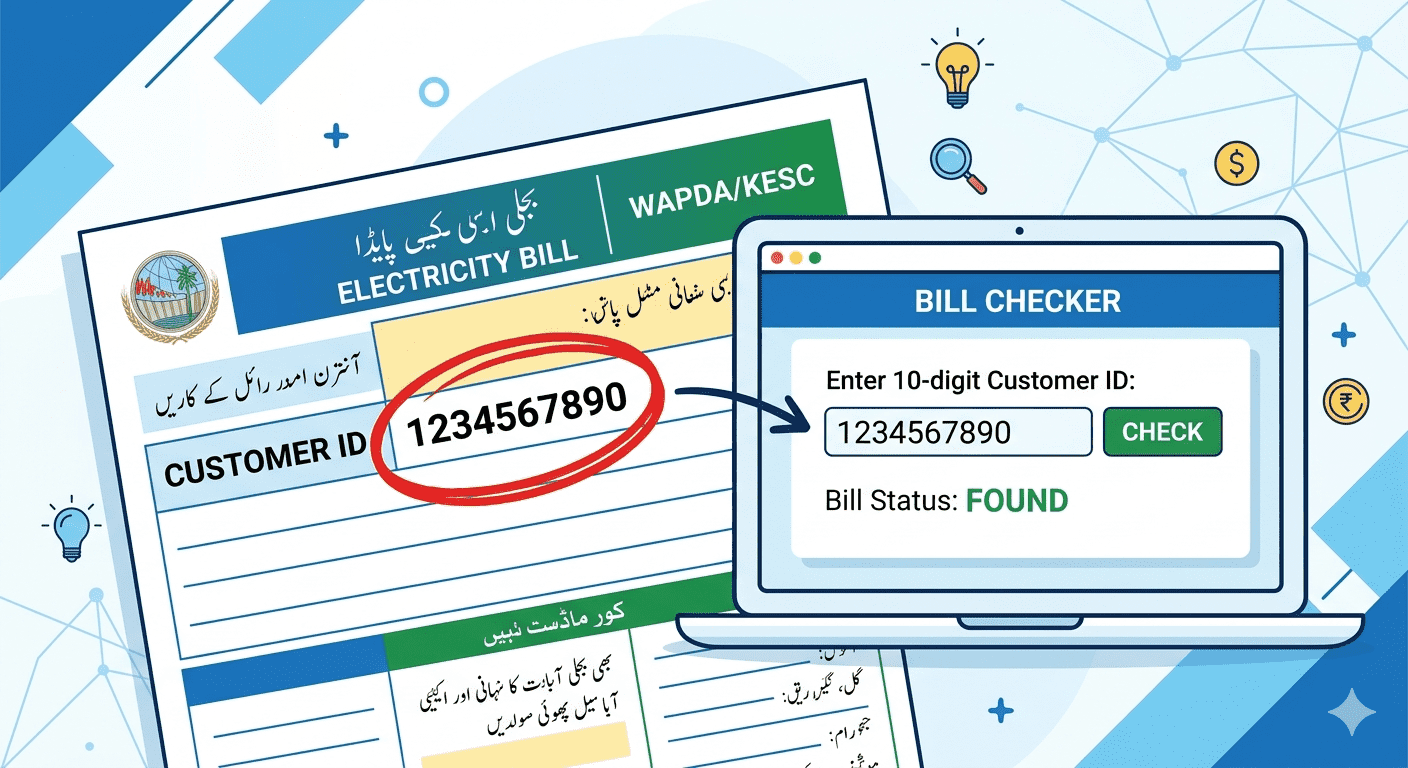
on the top right section of your physical electricity bill. Look for the field
labeled 'Reference No.' or 'Ref. No.' It is always 14 digits long.
•
Check the top right corner
of your bill
•
Look for 'Reference No.' or
'Ref. No.' label
•
The number is always 14
digits — no letters
•
You can also use your
10-digit Customer ID as an alternative
Step-by-Step Guide
to Check MEPCO Bill Online
Follow these simple steps to check
your MEPCO bill online using your reference number:
1.
Step 1: Open mepcobill.com
in your browser or on your mobile phone
2.
Step 2: Find the bill
checking tool on the homepage
3.
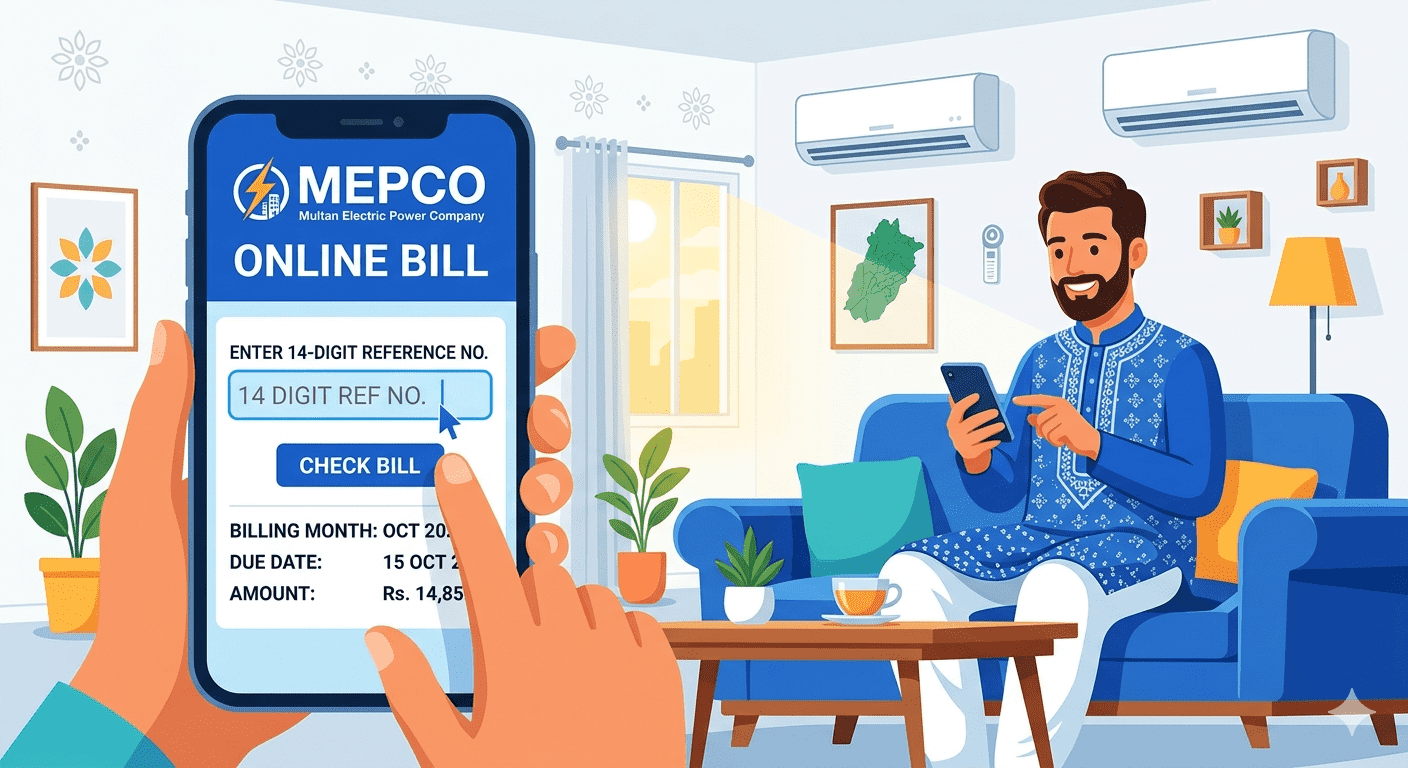
Step 3: Enter your 14-digit
Reference Number in the input field
4.
Step 4: Click the 'Check
Bill' or 'Submit' button
5.
Step 5: Your latest MEPCO
bill details will appear on screen
6.
Step 6: View, download, or
print your duplicate bill as PDF
What Information
Will You See After Checking the Bill?
Once you enter your reference
number correctly, the system shows you:
•
Current month bill amount
•
Due date for on-time
payment
•
Payable amount after due
date
•
Units consumed in the
current month
•
Last 12 months payment
history
•
Meter reading date
•
Bill issue date
•
Consumer name and address
Common Errors and
How to Fix Them
Error: Invalid Reference Number
Double-check that you are entering
exactly 14 digits. Make sure there are no spaces or extra digits. Copy directly
from your old paper bill.
Error: Bill Not Found
This usually means the billing
cycle has not ended yet, or the meter reading has not been updated. Wait 2 to 3
days and try again. If the problem persists, contact MEPCO helpline at 118.
Website Not Loading
Check your internet connection.
Try a different browser. If the PITC server (official MEPCO server) is down,
use third-party bill checker portals like mepcobill.com which provide the same
information reliably.
Can I Check MEPCO
Bill on Mobile?
Yes! mepcobill.com is fully
mobile-friendly. You can check your MEPCO bill on any Android or iOS phone
without downloading any app. Simply open your mobile browser, visit the site,
enter your reference number, and you will see your bill instantly.
Frequently Asked
Questions (FAQ)
Q: How many digits is the MEPCO
reference number?
A: The MEPCO reference number is
always 14 digits long. It is printed on every electricity bill you receive.
Q: Can I check MEPCO bill
without reference number?
A: Yes, you can also use your
10-digit Customer ID to check the bill. Both numbers are printed on your
physical bill.
Q: Is checking MEPCO bill
online free?
A: Yes, checking your MEPCO bill
online at mepcobill.com is completely free. No registration or login is
required.
Q: How often does MEPCO update
the bill online?
A: MEPCO typically updates the
bill online within 2-3 days after the meter reading date each month.