MEPCO Bill Check on Mobile Phone – Step by Step Guide 2026
Check MEPCO Bill on Mobile Without Any App
You do not need to download any application to check your MEPCO electricity bill on your mobile phone. mepcobil.com works perfectly on all Android and iPhone browsers. The website is fully mobile-responsive and loads quickly even on slow internet connections.
What You Need
- Any Android smartphone or iPhone
- Internet connection (WiFi, 3G, or 4G — any speed works)
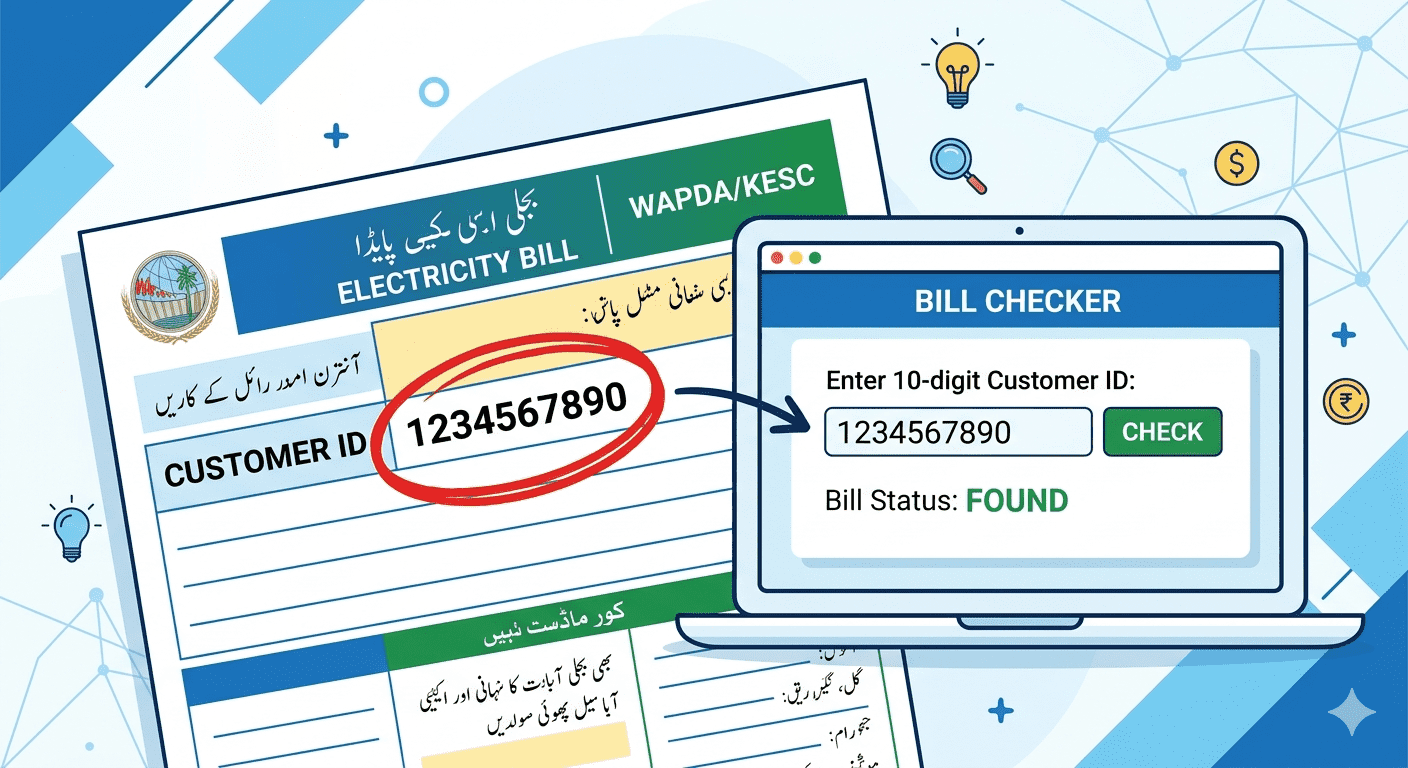
- Your 14-digit Reference Number or 10-digit Customer ID
- Any mobile browser (Chrome, Firefox, Safari, UC Browser, etc.)
Step-by-Step: Check MEPCO Bill on Android
- Open Chrome or any browser on your Android phone
- Type mepcobil.com in the address bar and press Enter
- The mobile-friendly bill checker page opens
- Tap the input field and type your 14-digit Reference Number
- Tap the Check Bill button
- Tap Open My MEPCO Bill on the next page
- Your complete MEPCO bill loads in a new tab
Step-by-Step: Check MEPCO Bill on iPhone
- Open Safari browser on your iPhone
- Go to mepcobil.com
- Tap the reference number input box
- Use the numeric keyboard to enter your 14-digit number
- Tap the Check Bill button
- Tap Open My MEPCO Bill — your bill opens instantly
How to Download the Bill PDF on Mobile
After checking your bill:
- On the PITC bill page, tap the Print button
- On Android: Select Save as PDF — file saves to Downloads folder
- On iPhone: Choose Save to Files from the share menu
- You can then share the PDF via WhatsApp or email
Mobile Tips for Faster Bill Checking
- Bookmark mepcobil.com so you don't have to type the URL each time
- Save your Customer ID in your phone contacts for quick access
- Add mepcobil.com to your phone's home screen as a shortcut
- Use the Save this Number feature on our site
Does MEPCO Have an Official App?
As of 2026, MEPCO does not have an official mobile app available on Google Play Store or Apple App Store for bill checking. All bill checking is done through web portals. Be cautious of unofficial apps claiming to be MEPCO — they may be fraudulent. Always use trusted websites like mepcobil.com.
Frequently Asked Questions (FAQ)
Q: Does mepcobil.com work on old Android phones?
A: Yes. mepcobil.com is designed to work on all Android versions including older phones. As long as you have a browser and internet, it works.
Q: Can I check MEPCO bill on WhatsApp?
A: No. MEPCO does not offer WhatsApp-based bill checking. Use mepcobil.com in your phone browser.
Q: Is there a MEPCO app on Google Play Store?
A: MEPCO does not have an official verified bill checking app on Play Store as of 2026. Use mepcobil.com on your mobile browser instead.